Auto-Generate Code Changelogs, AI Documentation with GitDigest

WaveAssist
By WaveAssist

WaveAssist

Published on: Feb 15, 2026

Set up GitDigest in 5 minutes. Connect your repos, pick a schedule, and get one plain-English changelog every Monday, no manual writing, just AI-powered documentation from your code diffs.
Auto-Generate Code Changelogs, AI Documentation with GitDigest

How to Auto-Document Your Code with GitDigest on WaveAssist

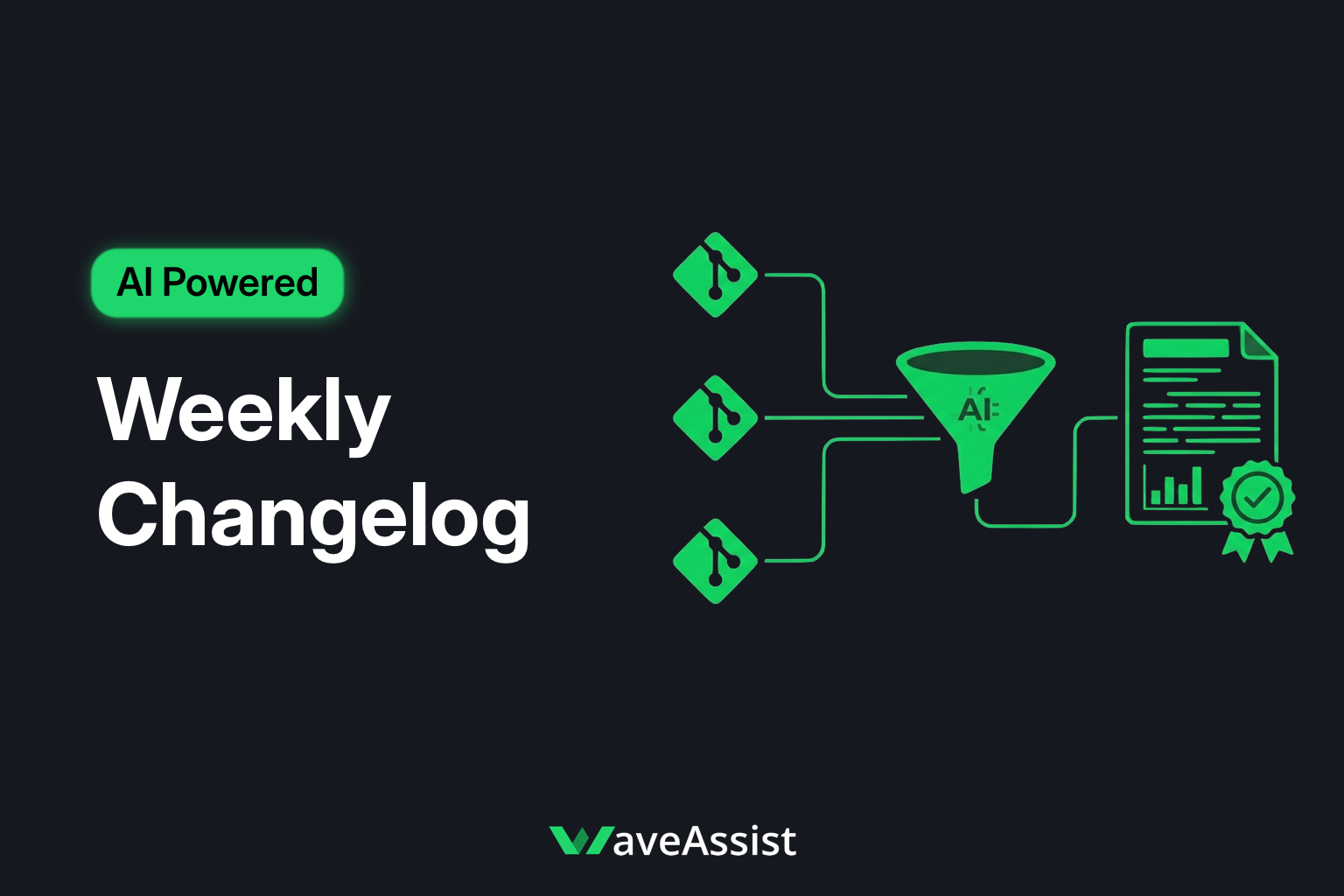
GitDigest turns every code change across your repos into one plain-English changelog. It reads actual diffs, not PR titles or commit messages, and delivers a single weekly email plus PDF. With WaveAssist, you get zero infrastructure, built-in scheduling, and $2 free credits to start. Here's how to set it up in minutes.


🔧 What You'll Need

  • A GitHub account with access to the repos you want to document
  • A free WaveAssist account
  • That's it. No API keys required to start. Your $2 free credits are applied automatically.

🛠 Step-by-Step: Deploy GitDigest

âš¡ Step 1: Deploy GitDigest on WaveAssist

👉 Deploy GitDigest on WaveAssist

Log in or create a free account. The GitDigest assistant project will be created for you.


📋 Step 2: Configure Your Project (One-Time Setup)

In the assistant run/config screen, provide:

  1. Project name: e.g. Acme Platform
  2. GitHub repos: the repos to include, e.g. owner/web, owner/api, owner/infra
  3. Schedule: Weekly (Mondays, 8:30 AM UTC) or On-demand

Optional:

  • Email recipients: who gets the weekly report (e.g. team@example.com)
  • PDF attachment: on by default. You can turn it off if you only want the email.

Connect GitHub (OAuth or token) so GitDigest can read your repos. WaveAssist handles secrets securely.


🚀 Step 3: Run & Deploy

Click Run & Deploy. GitDigest will run on your schedule, every Monday by default, and process the last 7 days of activity across all configured repos.

You're now auto-documenting your stack. No manual changelogs, no scattered updates.


📧 What You Get Every Week

Each run produces one combined report:

  • Executive Summary: Two sentences on what shipped, grounded in real code changes
  • Key Changes: 1 to 3 cross-stack updates that matter (no PR fluff)
  • Per-Repo Breakdown: Highlights from each repo, linked across frontend, backend, and infra
  • Activity Stats: Commits, contributors, active repos
  • PDF: Attached to the email for sharing or archiving

One email, one PDF. No digging through multiple tools or writing summaries yourself.


Why GitDigest Is Different

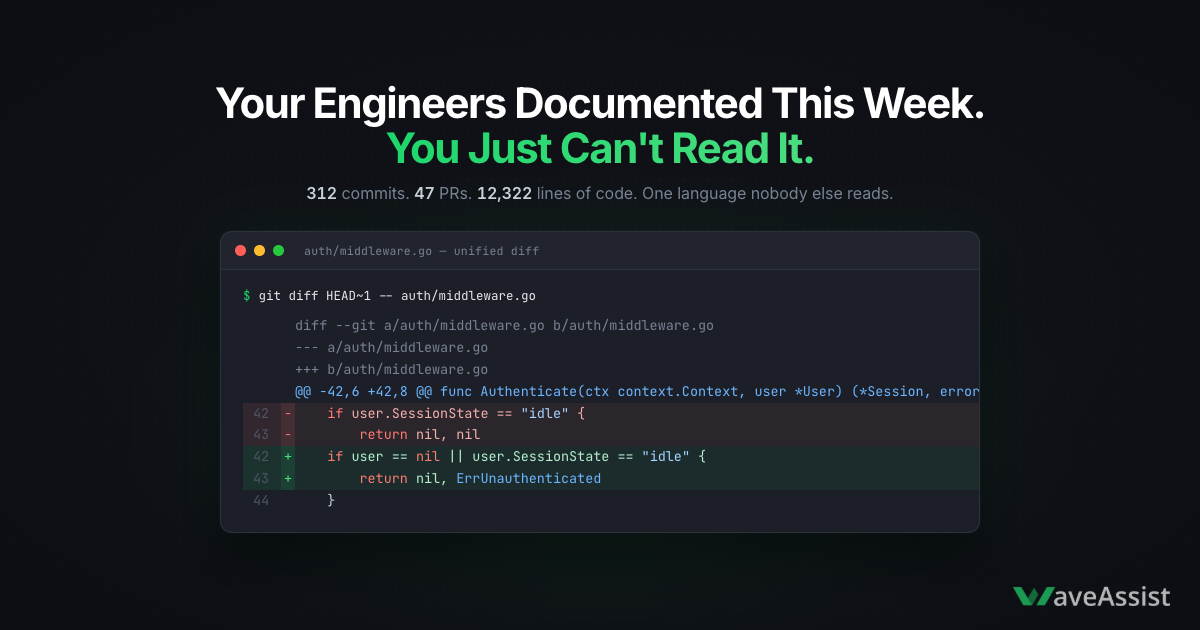
  • Diff-first: It reads actual code diffs, so the changelog reflects what really changed, not PR titles or commit messages.
  • Cross-stack: Frontend, backend, and infra are synthesized into one narrative.
  • Zero manual work: AI generates plain-English documentation every week. You just consume or forward it.

💡 Optional: Change Schedule or Trigger On-Demand

  • Weekly: Default is Monday 8:30 AM UTC. Adjust the schedule in your WaveAssist project if you want a different day or time.
  • On-demand: Trigger a run manually whenever you need a snapshot (e.g. before a release or board meeting).

✅ You're Done

GitDigest is now documenting your code automatically. No servers, no cron jobs, no manual changelog writing. Just one weekly report grounded in what actually shipped.

Pricing: Free to start with $2 credits. After that, it's pay-as-you-go (about $0.30 per weekly run). Check GitDigest pricing and details.

Need help? Reach us at support@waveassist.ai.

Ready to try GitDigest?

Deploy this assistant in one click and let it run on autopilot while you focus on what matters. Get started with $2 in free credits, no credit card needed.

One-click deployment$2 free creditsNo credit card required